 TREVINIUMSTUDIO
Coming 2027
A real professional video editor that runs entirely on your phone. Magnetic timeline, Left and Right audio lanes, color wheels with scopes, captions, edit by transcript and 4K export, all on the device, with nothing sent to the cloud.
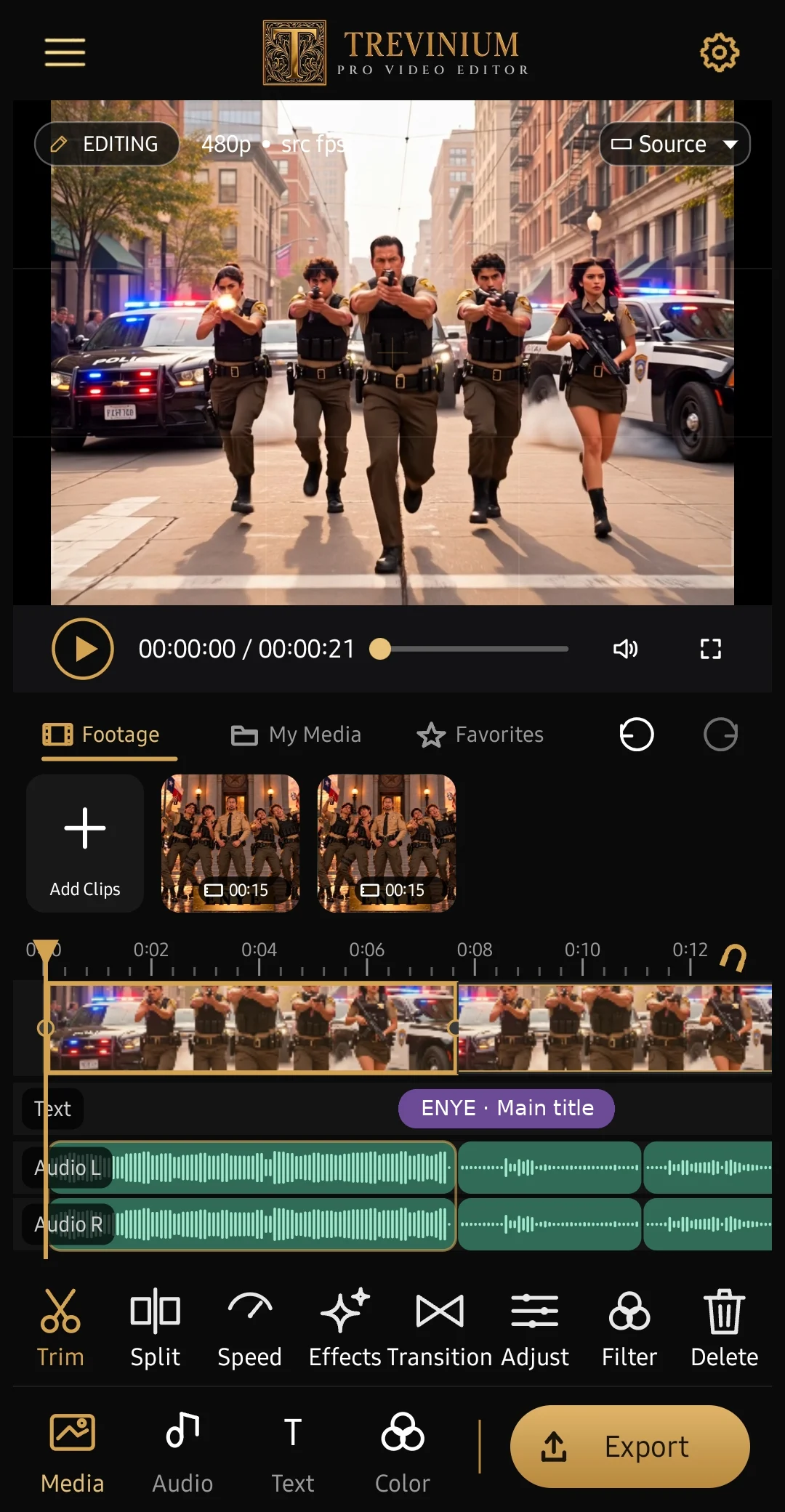
Every screen below is from the Android preview build, running on a phone.
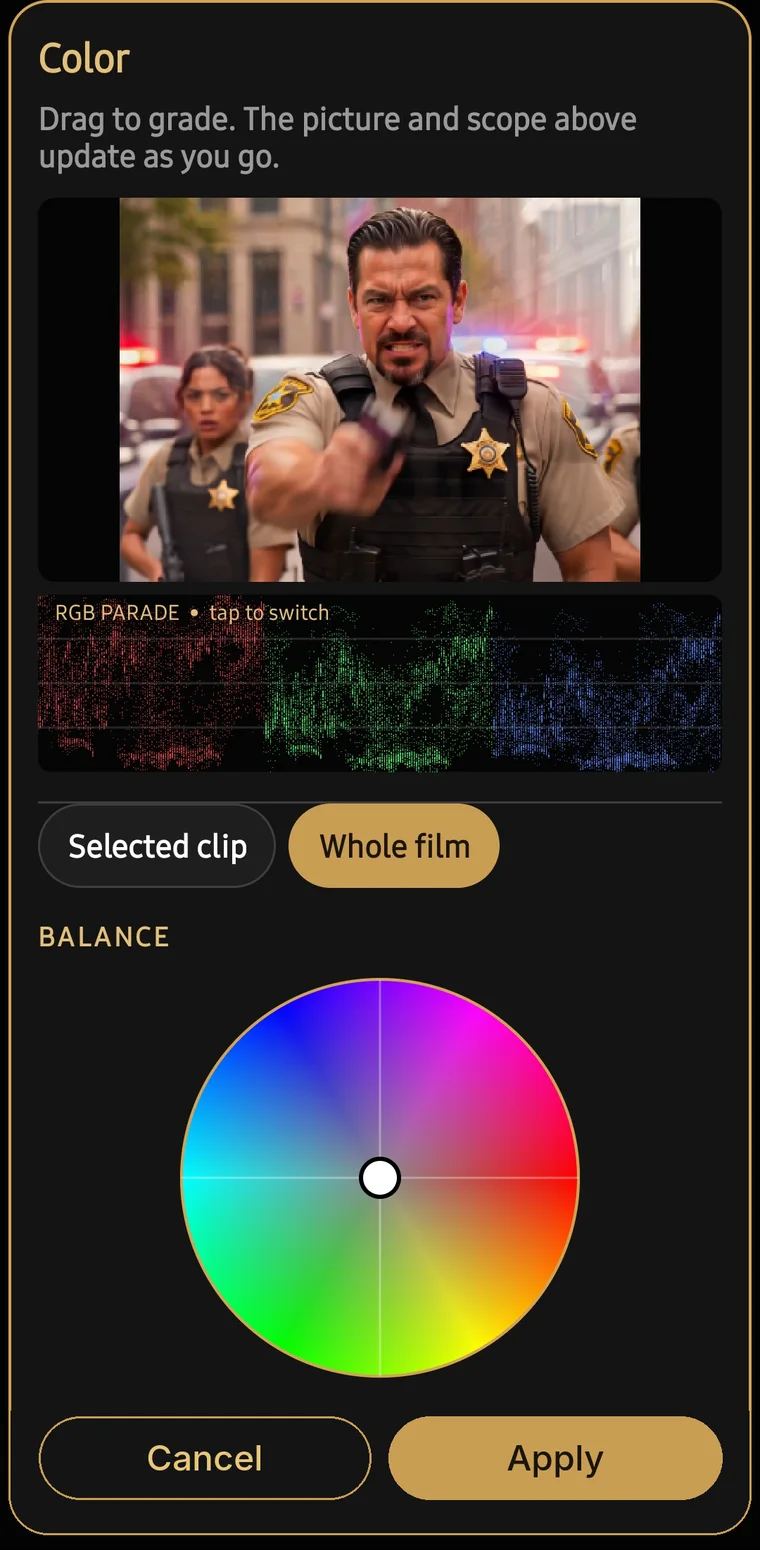
Drag the color wheel and your frame changes right in front of you, with a professional scope underneath. No numbers to type.
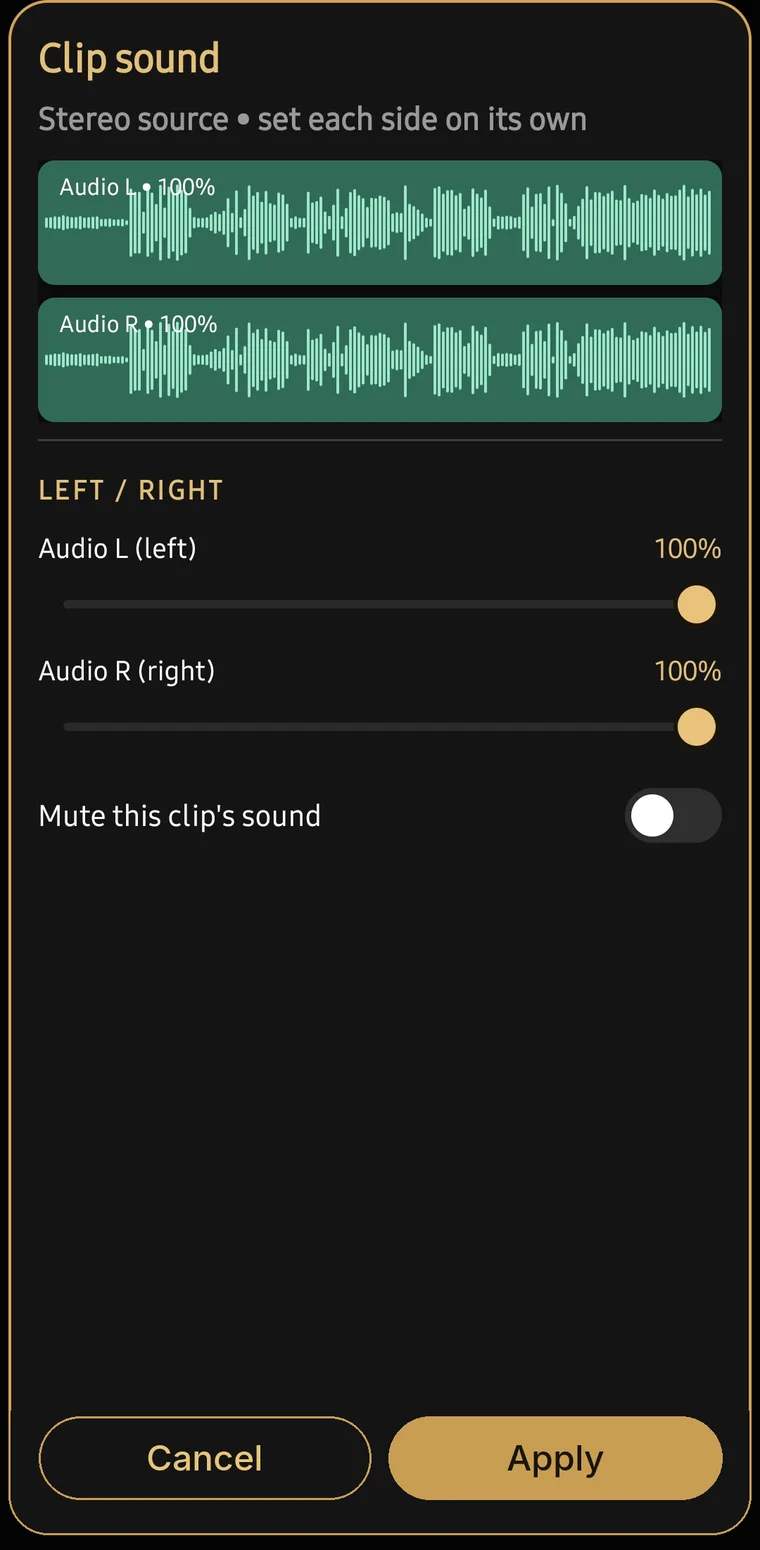
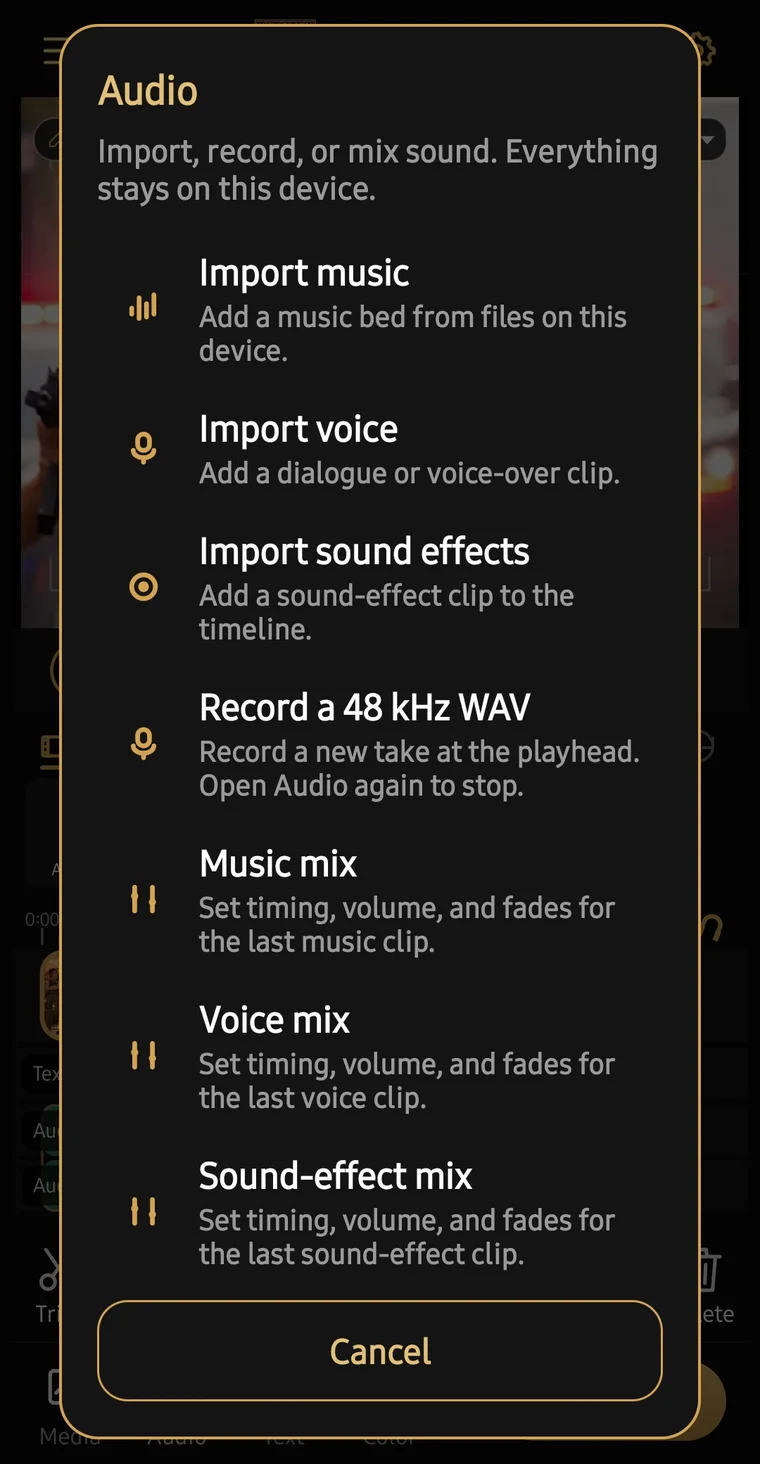
Every clip's sound is split into Audio L and Audio R lanes automatically, each with its own waveform and its own level.
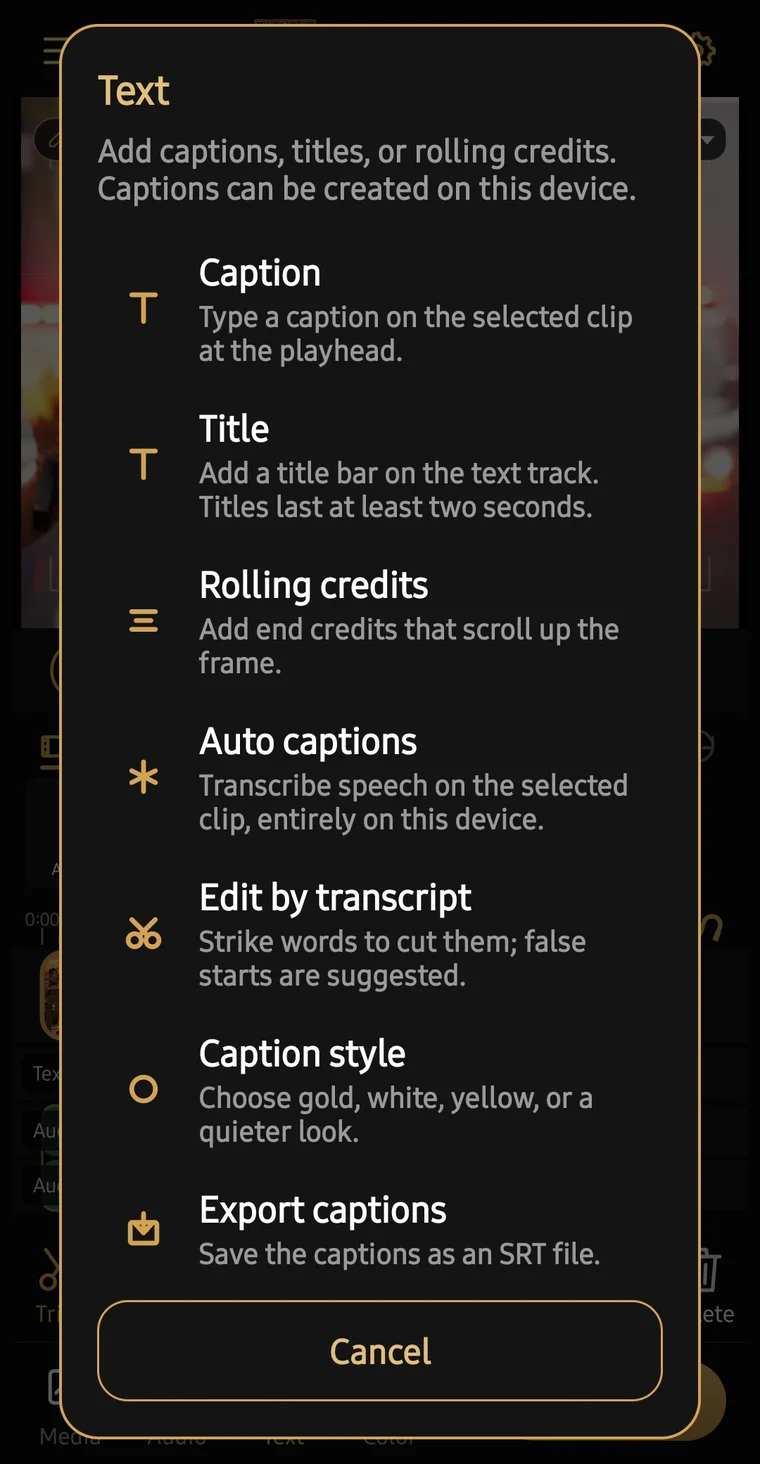
Speech recognition runs on your phone, not a server. Turn speech into captions, or edit the clip by striking words from its transcript.
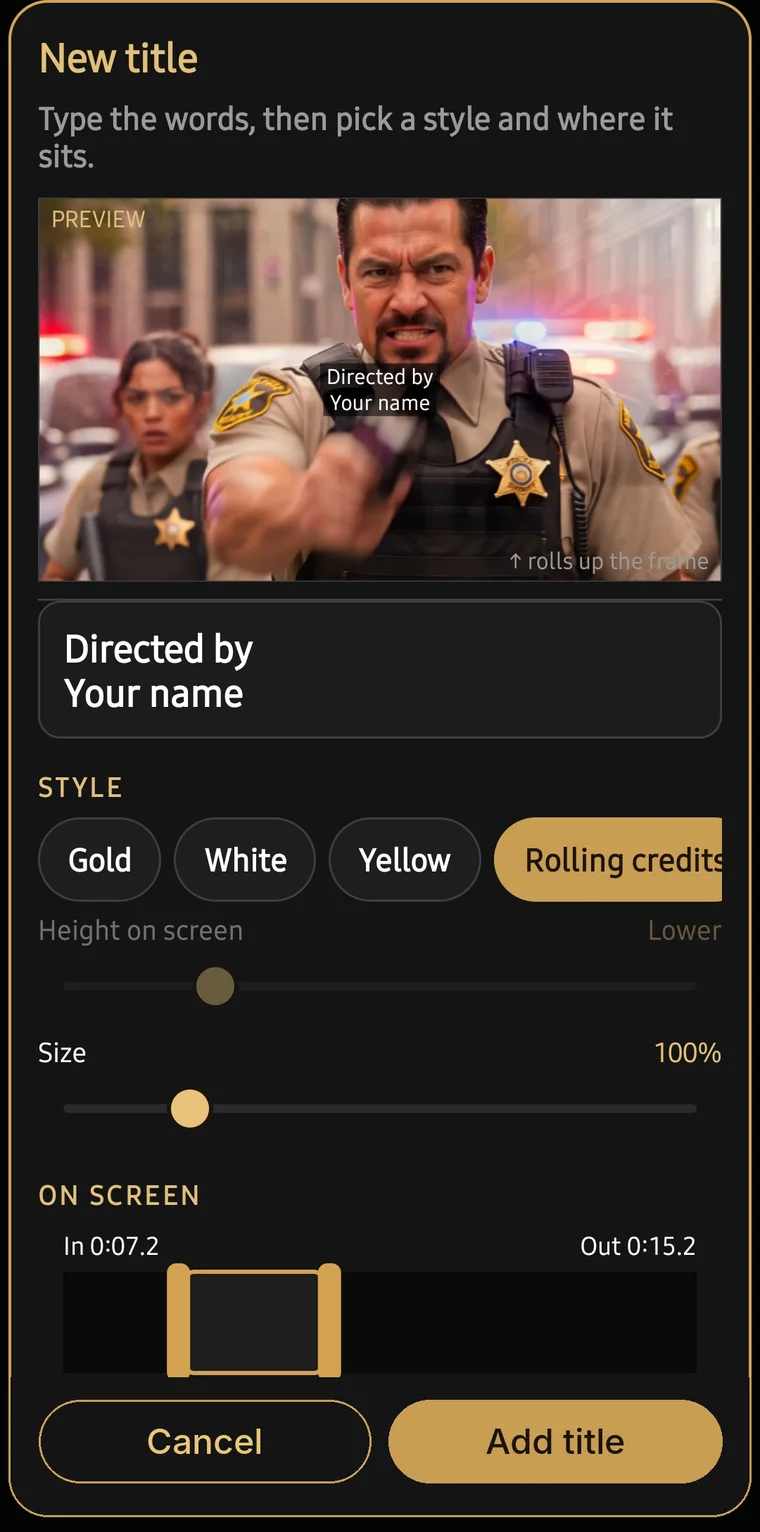
Type the words, pick a style and see it on your own shot before you add it. Set exactly when it comes on and goes off.
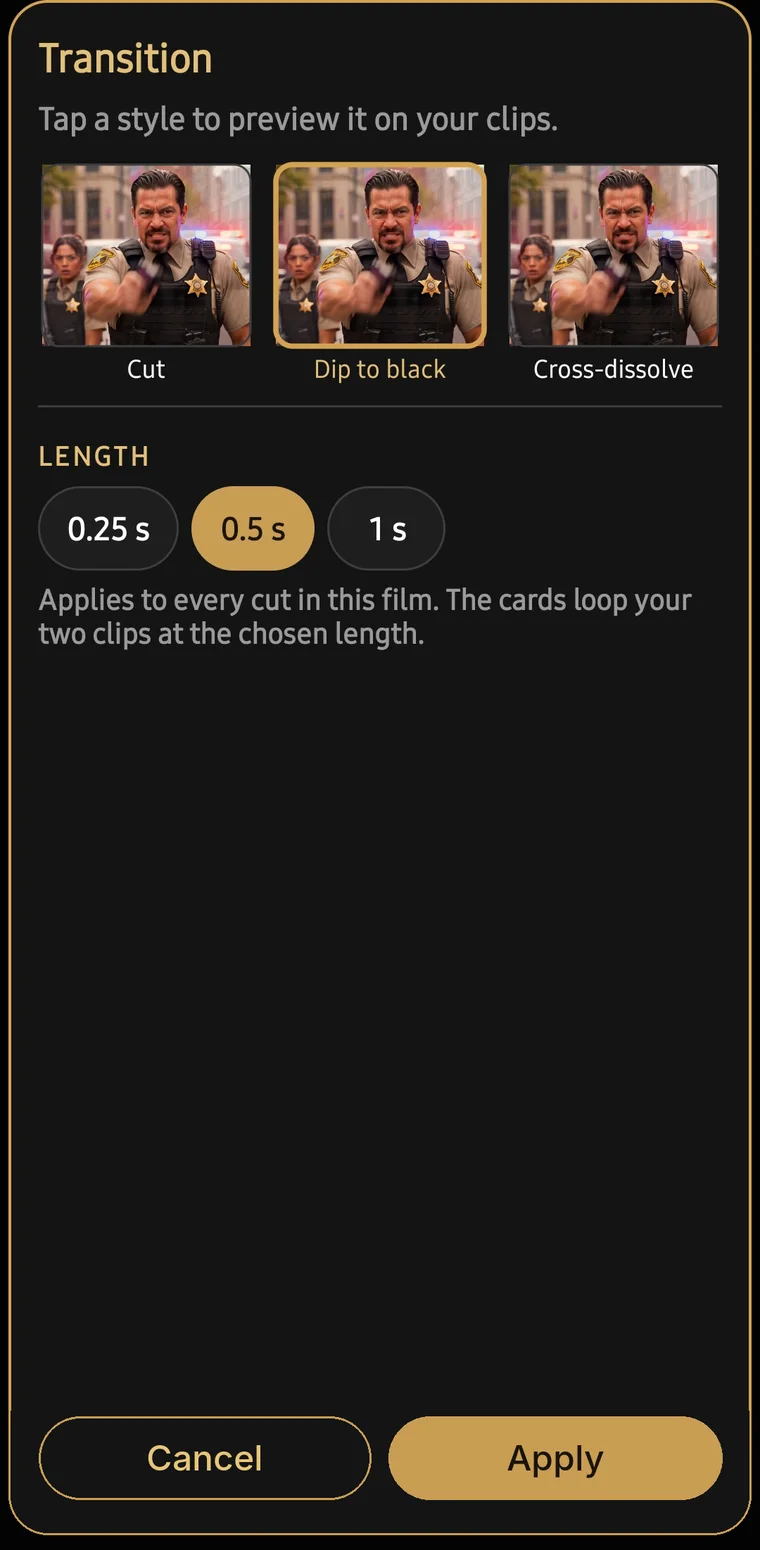
Each style plays on your own two clips, looping, so you pick by eye, not by name.
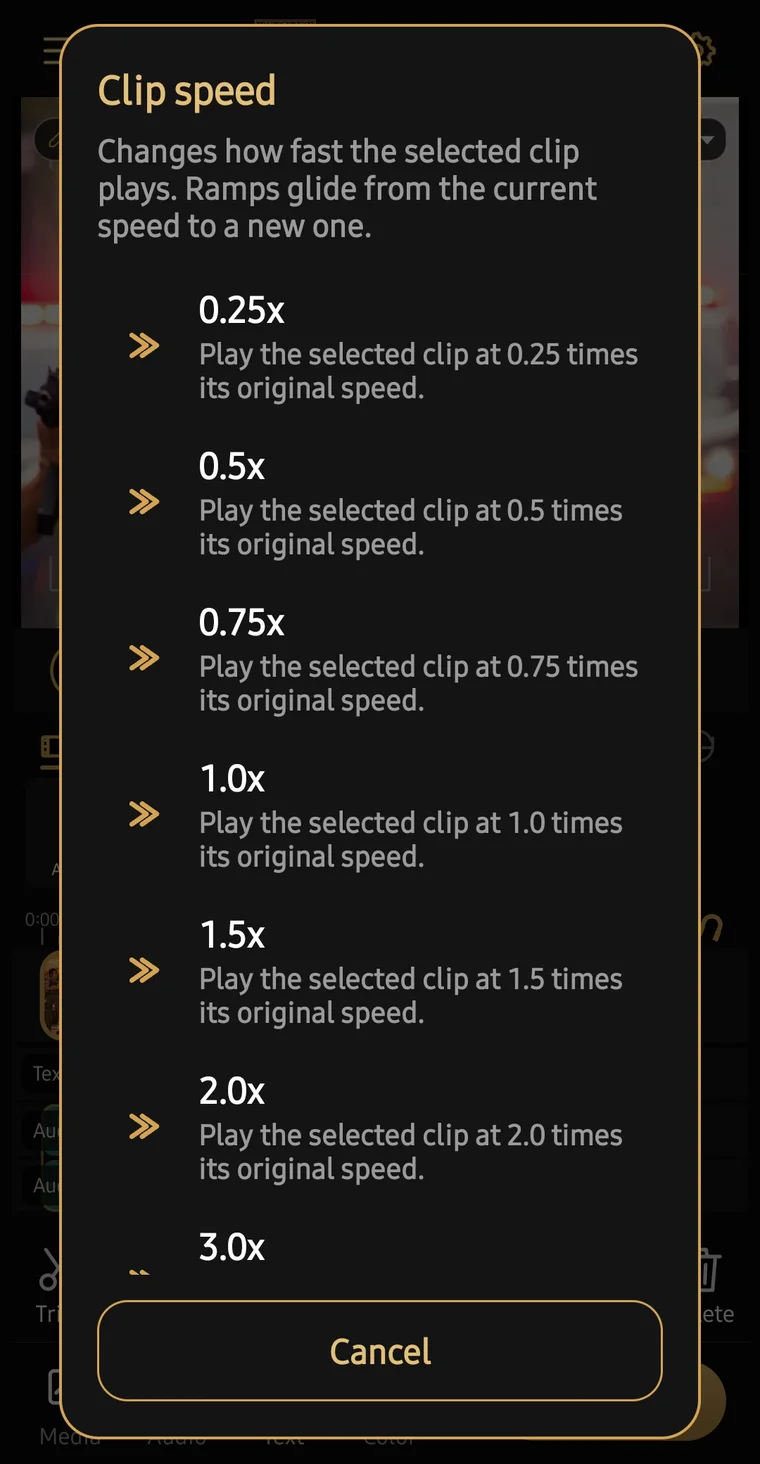
Pick a speed from a quarter speed up to triple, or ramp from one speed to another with an easing curve.
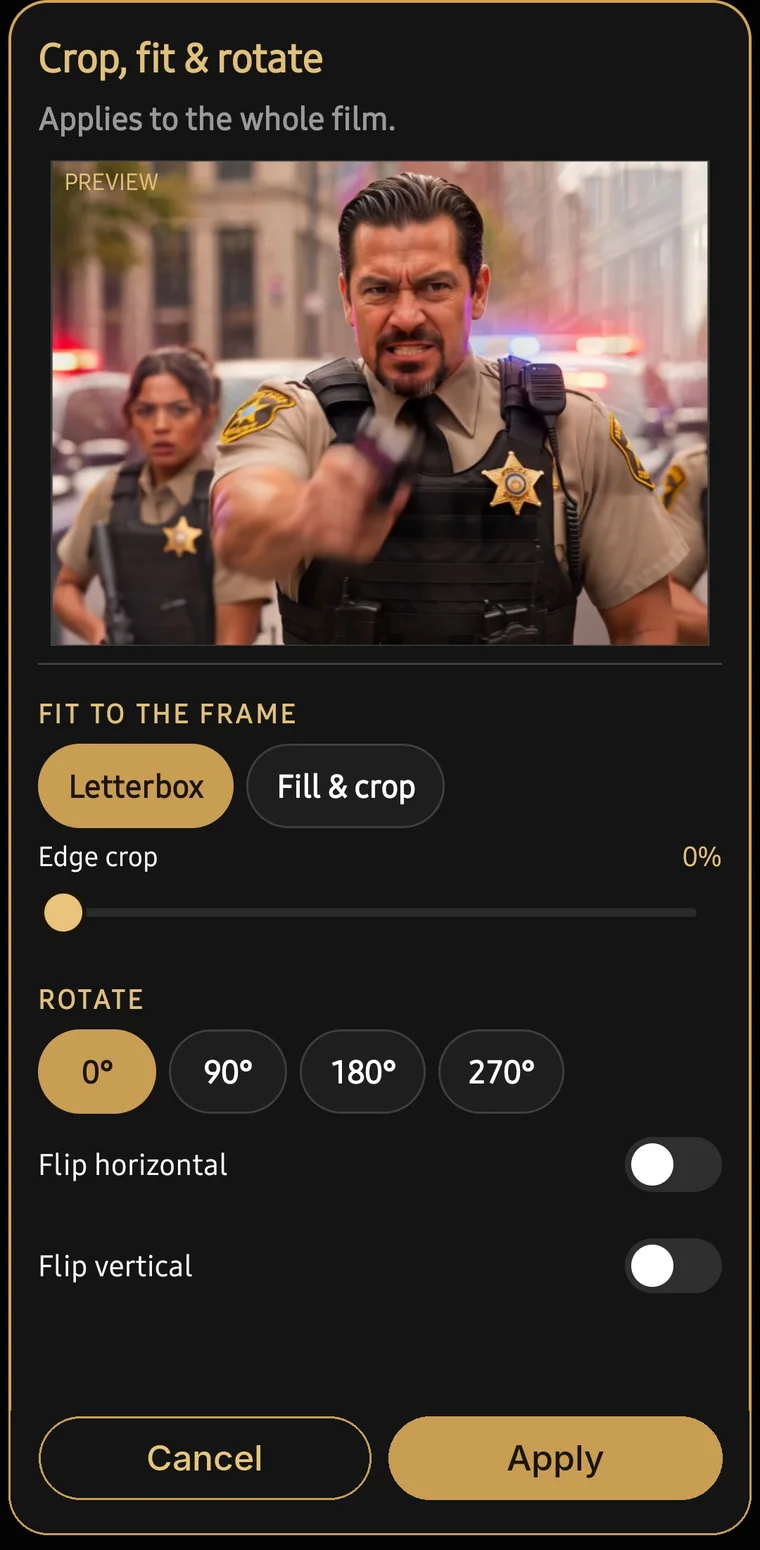
Letterbox or fill, crop the edges, rotate and flip, with a live preview of the result.
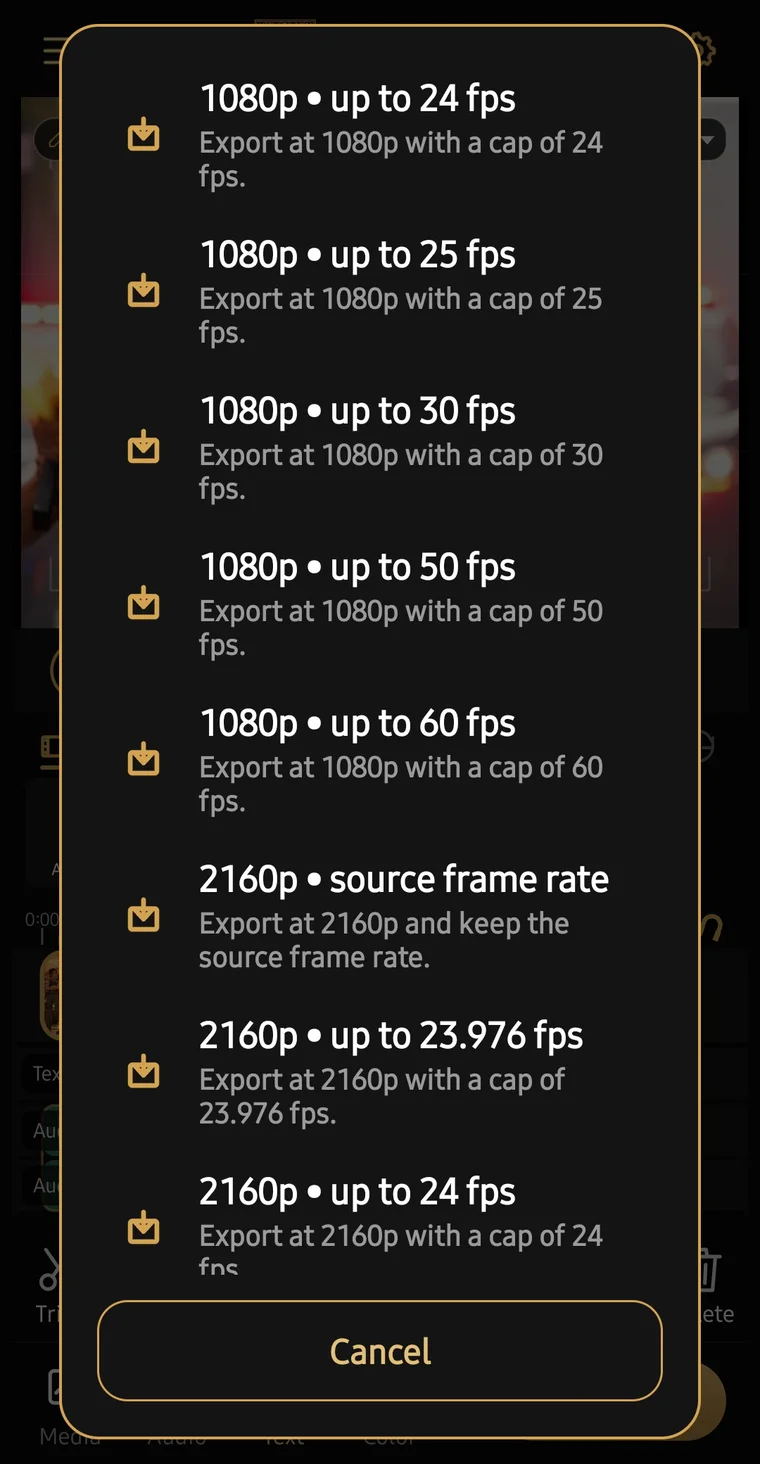
Choose the size and frame rate, then H.264 or HEVC. No watermark, ever, and nothing is uploaded.
Built the way professional editors work, sized for one hand. Every setting is a wheel, a slider or a picture of your own shot. You never type a number.
A magnetic timeline that feels like a desktop editor.
Audio laid out the way pros mix it.
Grade on a live picture of your own shot.
Speech recognition that runs on your phone, not on a server.
Composite, animate and reframe for any screen.
Finish on the phone, or keep going on the desktop.
Other editors make you choose: pay every month, stay online, or buy add-ons. Trevinium Studio checks every box.
| Feature | Trevinium Studio |
CapCut | LumaFusion | KineMaster | InShot | Adobe Premiere mobile |
|---|---|---|---|---|---|---|
| Every feature for one price, no subscription | ✓ | ✕Subscription | Add-ons sold separately | ✕Subscription | ✓Lifetime option | Paid AI credits |
| Auto captions with no internet | ✓ | ✕Needs internet | ✕No auto captions | ✓ | — | — |
| Import your own .cube LUTs | ✓ | ✕Desktop only | ✓ | ✓ | — | ✓ |
| Separate Left & Right audio lanes | ✓ | ✕ | Dual-mono | ✕ | ✕ | — |
| Send the timeline to Final Cut, Premiere & Resolve | ✓ | ✕ | Add-on: Final Cut, Resolve | ✕ | ✕ | Premiere desktop only |
Compared against each company's own app-store listings and help pages, November 2026. Apps change, and we'll update this table when they do. Sources: CapCut captions · LumaFusion · KineMaster captions · KineMaster plans · InShot · Adobe Premiere · Premiere LUTs.
Most phone editors rent you their best tools. They charge every month, stamp a watermark on your work, upload your footage to their servers and ask you to make an account before you can cut a single frame.
Trevinium Studio does none of that. You pay one price and the whole editor is yours. It works on a plane, on location or in a dead zone, because it never needs the internet.
Cut on set, grade on the drive home and send the timeline to your desktop suite.
Vertical edits, auto captions, safe zones and auto-reframe for TikTok, Reels and Shorts.
A complete film-school editing bay on every student's phone, with no accounts and no subscriptions.
Sensitive footage stays on your phone. No uploads, no cloud, no one else's servers.
A complete professional editor, one price, no subscription, fully offline and private. Trevinium Studio is on its way to Google Play and the App Store.